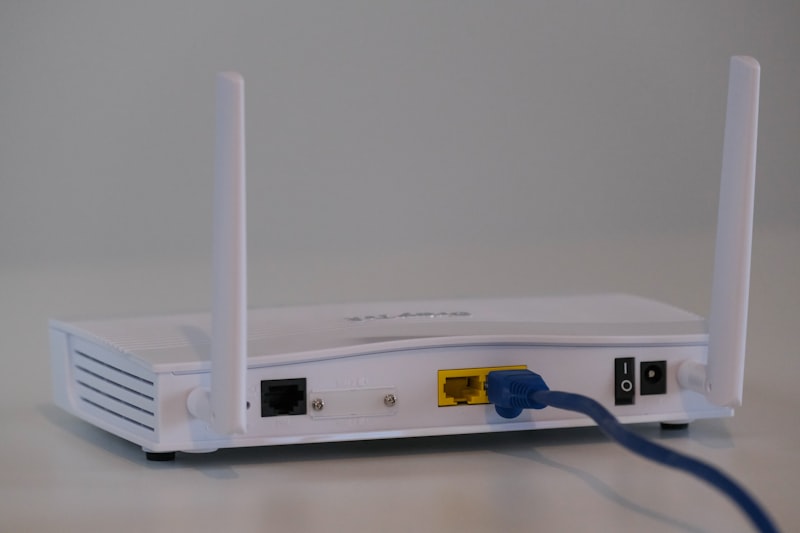
You bought and set up a new Wi-Fi router, but the connection isn't as fast as you expected? Most users assume the device is to blame, but the router's location also has a clear effect on coverage and speed.
Ideal Placement Strategies
✅ Central Placement
Place your router in the middle of your home, in an open area if possible. A corner at the edge of the house prevents the signal from spreading evenly to the other rooms.
✅ Elevated Position
Placing the router high off the floor is advantageous because signal waves spread more widely. You can use a shelf or a wall mount.
✅ Away from Metal and Concrete Obstacles
Thick walls and metal cabinets weaken the signal the most. Appliances such as microwave ovens can also cause interference in the 2.4GHz band.
✅ Position the Antennas at the Right Angle
On dual-antenna models, setting one antenna vertical and the other horizontal can help the signal reach devices both on the same floor and on other floors.