If you see an error such as DNS_PROBE_FINISHED_NXDOMAIN while trying to visit a website, the browser cannot translate the domain name into an IP address. That translation is done by DNS (Domain Name System), which works like a directory that maps domain names to IP addresses.
Main Causes of DNS Errors
- A mistyped address, or a domain that no longer exists (this is exactly what NXDOMAIN reports)
- Incorrect DNS configuration
- Temporary outages on the internet service provider (ISP) side
- Modem or router firmware issues
- Malware or ad-blocker extensions
Step-by-Step Troubleshooting Guide
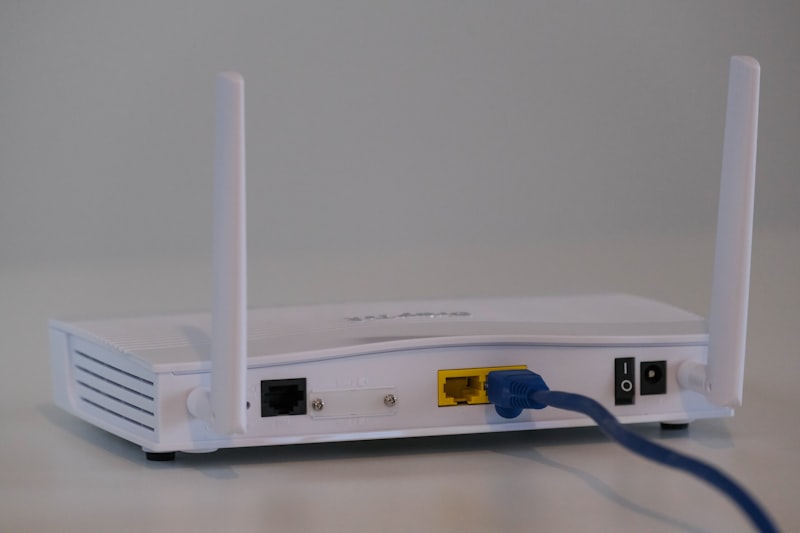
1. Restart Your Modem
Temporary DNS errors are often resolved by turning the modem and computer off and on again.
2. Change Your DNS Server
Set DNS manually in your computer's network settings:
- Google DNS: 8.8.8.8 and 8.8.4.4
- Cloudflare: 1.1.1.1 and 1.0.0.1
3. Flush the DNS Cache
On Windows, open Command Prompt and enter the following command:
ipconfig /flushdns4. Check Your Browser and Extensions
Some ad-blocker or VPN extensions can interfere with DNS resolution. Disable them temporarily and reload the page.